
Select the effect
Choose the category according to the application and desired light distribution.
Browse the Ostroluxx range by product series and application, then continue to the relevant product family for specifications and project support.
Browse each catalogue family to explore products, specifications and available technical resources for your project.
 Architectural
Recessed, surface and adjustable architectural families.
Explore products ›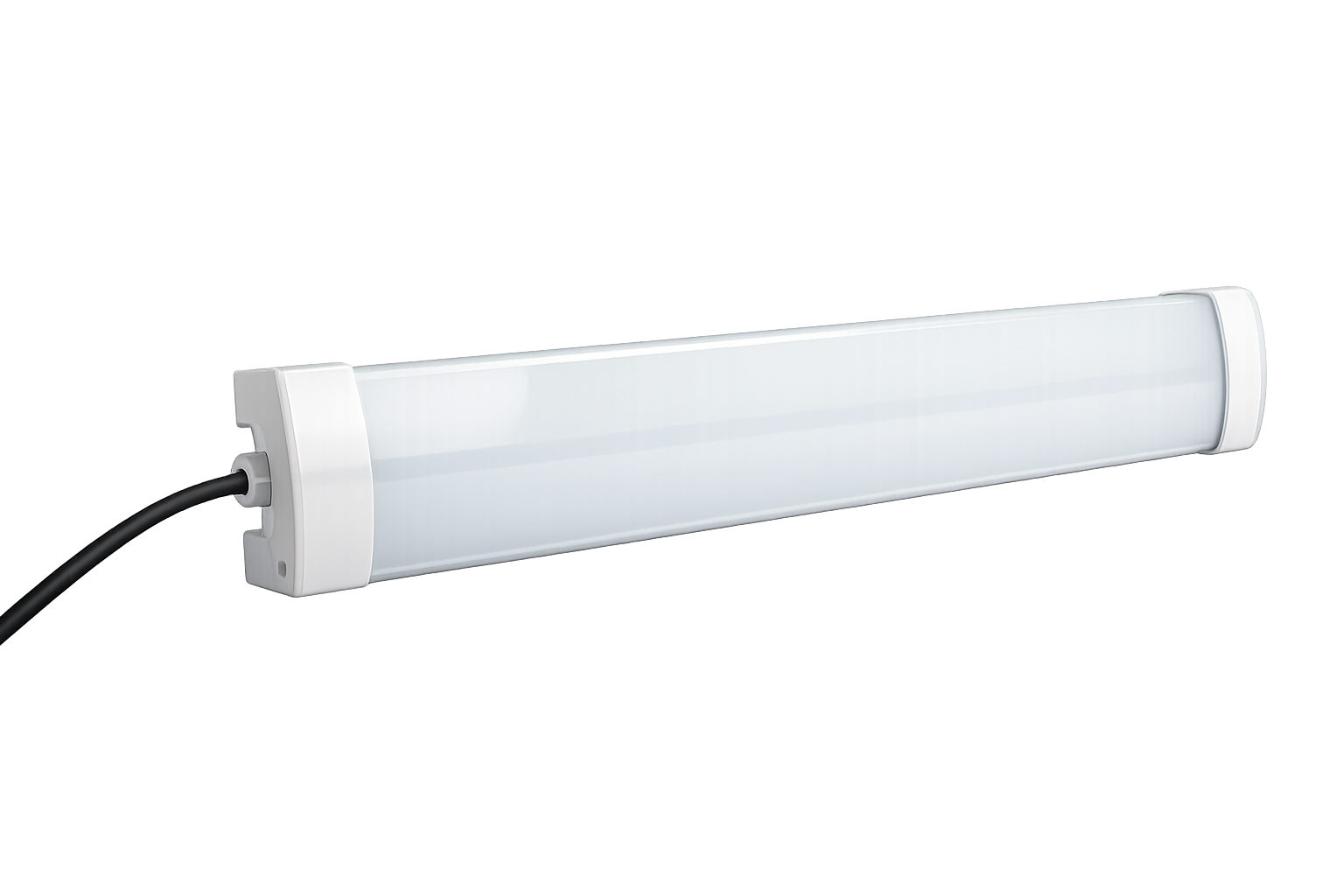 Integrated
Continuous lines and commercial ceiling illumination.
Explore products ›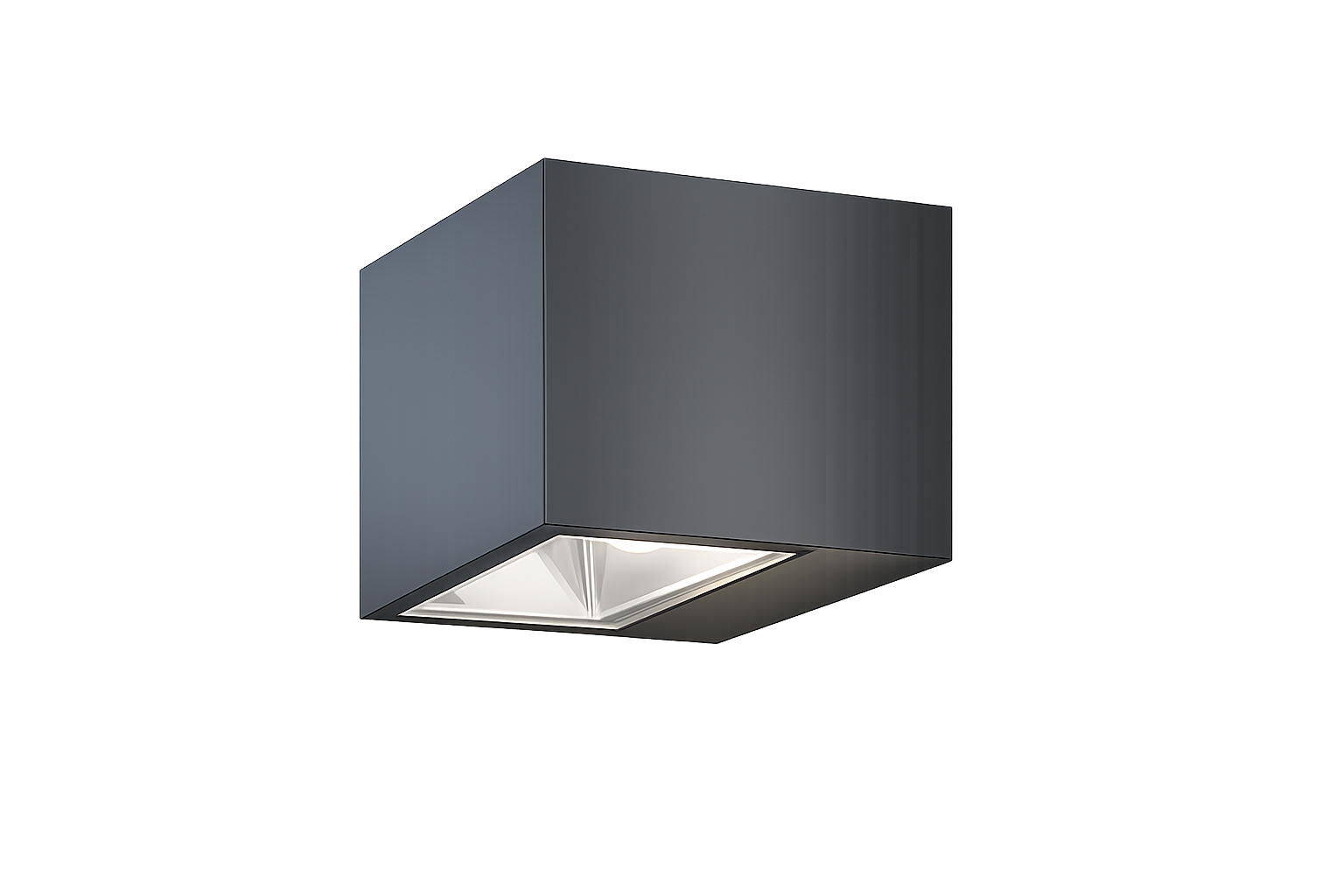 Exterior
Wall, flood, solar and inground exterior lighting.
Explore products ›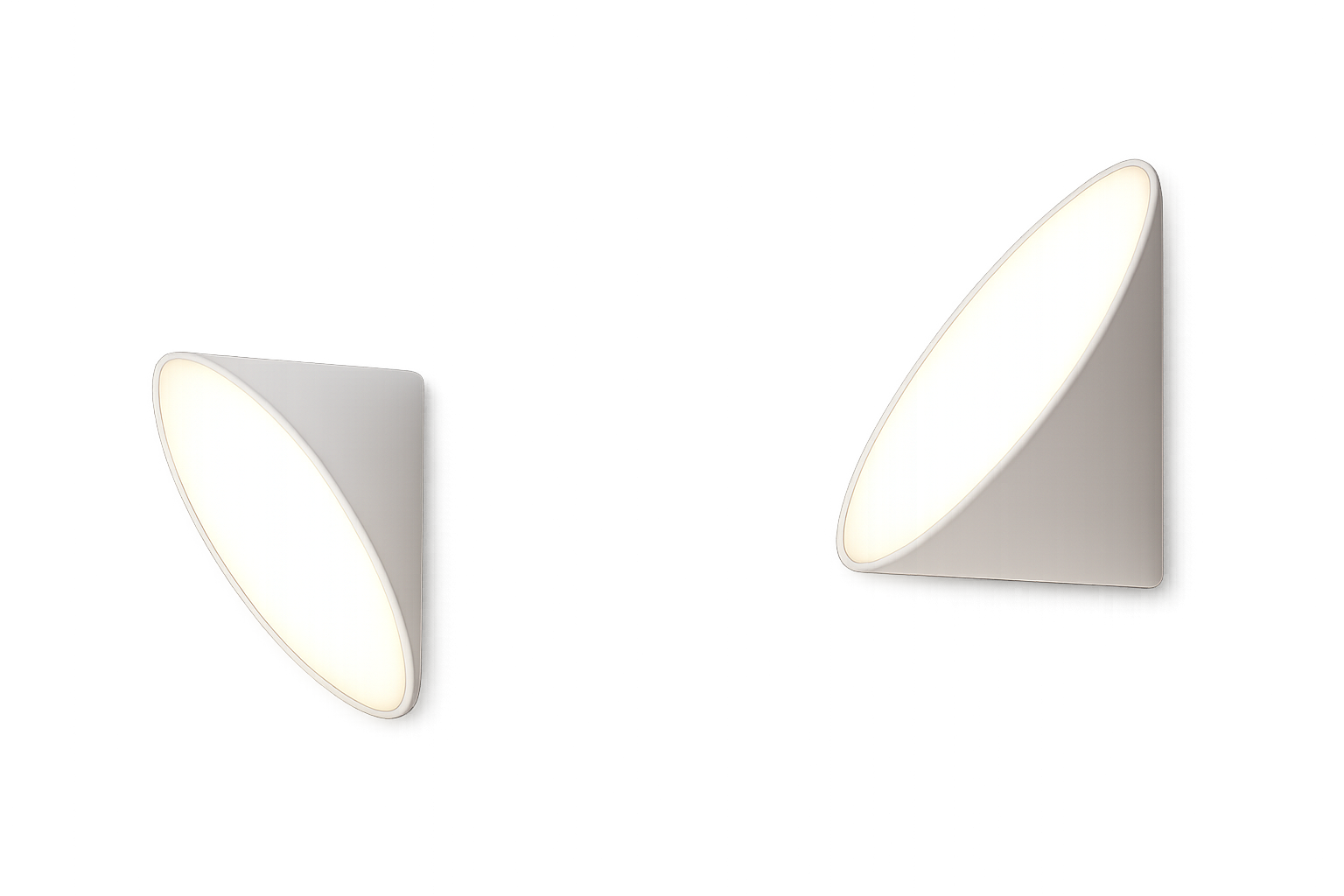 Decorative
Expressive decorative wall and pendant families.
Explore products ›Choose the category according to the application and desired light distribution.
Use the complete model code, not only the family name.
Confirm the latest datasheet, dimensions and photometric information.
Validate CCT, optic, control, finish, accessories and availability.
| Document | Use it for | Important check |
|---|---|---|
| Product catalogue | Family discovery and initial model-code selection | Publication date and current range |
| Technical datasheet | Electrical, optical and construction information | Exact model code and option |
| Dimensional drawing | Coordination, cut-out and installation planning | Units, clearances and accessories |
| Photometric file | Lighting calculations and distribution review | Output, optic, CCT and test configuration |
| Quotation | Commercial configuration and availability | Quantity, market, lead time and exclusions |